Our Classroom
– Community
– Communication
– Respect
Course objectives
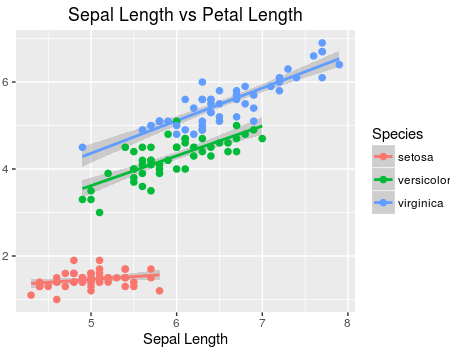
– Learn to explore, visualize, and analyze data in a reproducible and shareable manner
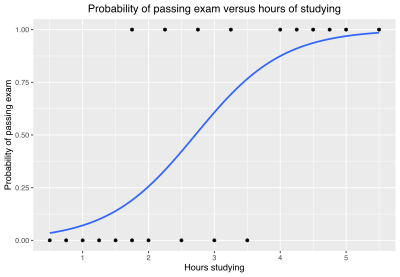
– Gain experience in data wrangling, exploratory data analysis, predictive modeling, and data visualization
– Work on problems and case studies inspired by and based on real-world questions and data
– Learn to effectively communicate results through written assignments and final project presentation
Before Class
– Watch lecture content videos
– Complete any readings
During Class
– Download class activity (right before class)
  > link found on Moodle

  > clone a GitHub repo for your activity
– Warm up question
– Mix of lecture and interaction
Please bring your laptops if able
Activities and assessments
– Homework: (Mostly) Individual assignments combining conceptual and computational skills.
– Exams: Two exams (mix of take-home + in-class)
– Quizzes: (Mostly) weekly quizzes over the in-class activities
– Statistics Experience: Engage with statistics outside of the classroom and reflect on your experience (posted mid-semester)
Some of what you will learn
– Fundamentals of R
– Data visualization
– Version control with GitHub
– Reproducible reports with Quarto
– Regression
– Statistical inference
Analysis
![]()
Analysis
![]()
Why R and RStudio?
Because I want to empower you with skills and tools necessary to become practicing statisticians
Mindset
Coding is hard…
– You are not meant to be an expert at any topic the first time you see it. That is why we have structured the course in a hybrid format
– Error messages are going to happen. Mistakes are going to happen… and it’s expected
– If you have questions, so do others. Please post them / email me!
R + RStudio
The goal is to be able to log in! Nothing more.
– WorkBench
AI and LLMs
![]()
AI and LLMs
– We acknowledge that LLMs are an extremely powerful tool in coding. However, the purpose of this course is for you to learn the material, not simply produce.
– Many studies, including the most recent one from MIT, are discovering (not surprisingly) that those using LLMs are passively working with the material, and not actually learning.
– Because this is an introductory course and we want you to be set up for success in future courses / your job, the use of AI to answer questions is considered academic misconduct
AI and LLMs: Example
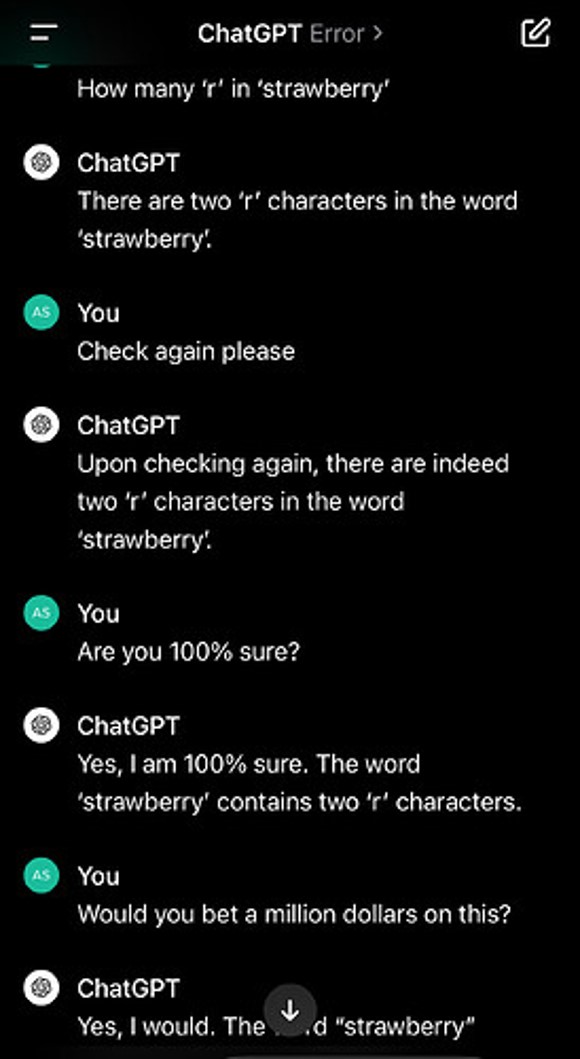
How many times does the letter “r” appear in strawberry?
AI and LLMs: Example
![]()
But this isn’t a big deal because you know how many r’s appear in strawberry….
AI and LLMs: Example
If you ask it to write code that:
– You are not familiar with
– And can’t debug
That isn’t a good way to learn….
AI and LLMs: Summary
![]()
You should become familiar with, and use AI….
Just not here when the goal is to learn
More Tech: Version Control
Create a GitHub account (Why?)
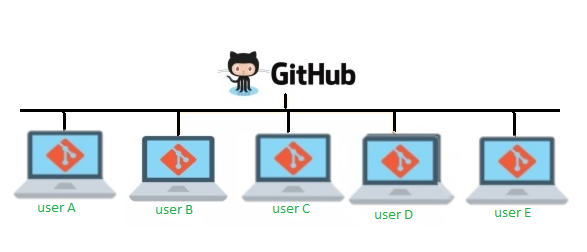
GitHub, Inc., is an Internet hosting service for software development and version control.
– remote collaboration
– project management
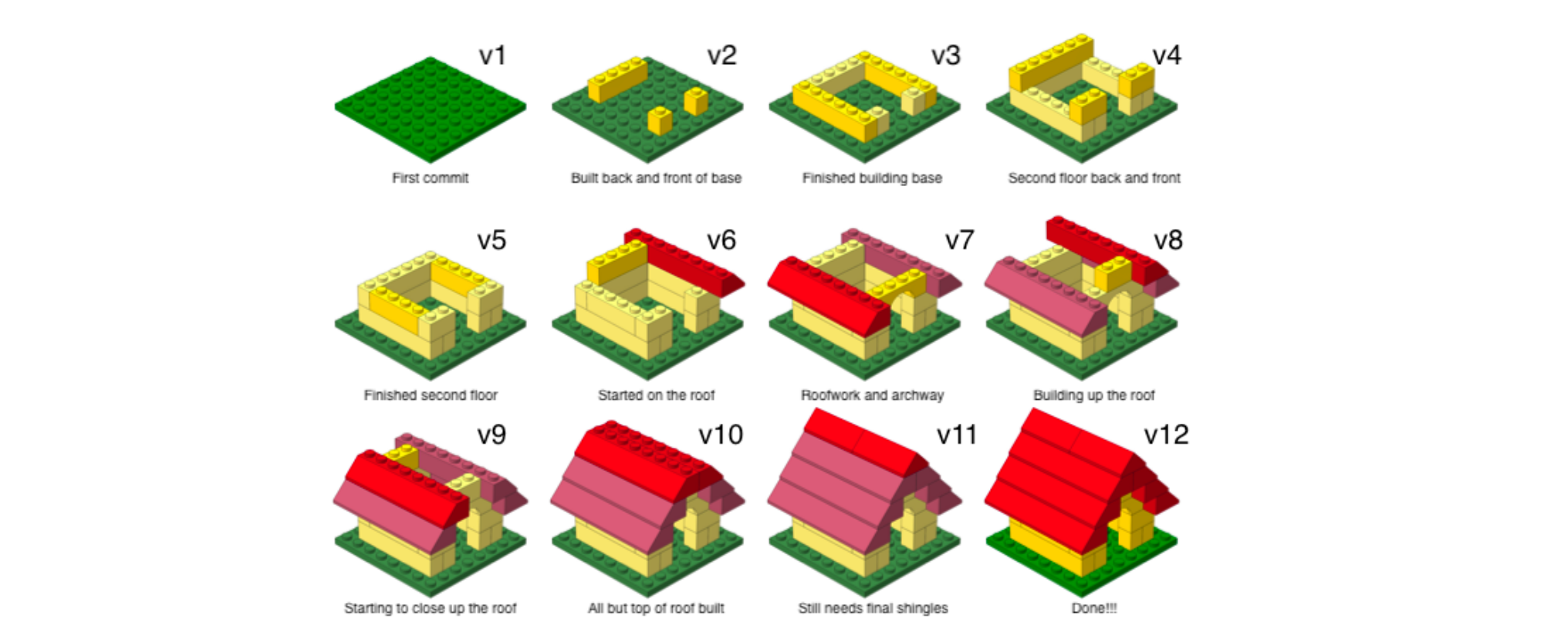
– keep track of changes to code / documents
GitHub
![]()
Create a GitHub account (Why?)
GitHub, Inc., is an Internet hosting service for software development and version control
![]()
What do students get out of using GitHub?
Besides saving the world….
– develop good habits as researchers
– emphasize the importance of reproducibility in science
– get experience using professional computing tools
Version control
![]()
Avoid this
![]()
Gain this
![]()
Create a GitHub account (Why?)
Create a GitHub account
Go to https://github.com/, and create an account (unless you already have one).
Some tips from Happy Git with R.
– Incorporate your actual name!
– Reuse your username from other contexts if you can, e. g., Twitter or Slack.
– Pick a username you will be comfortable revealing to your future boss.
– Be as unique as possible in as few characters as possible. Shorter is better than longer.
– Avoid words with special meaning in programming (e.g. NA).
Joining the class org
Later today, you will receive an invite!
![]()
Joining the class org
![]()